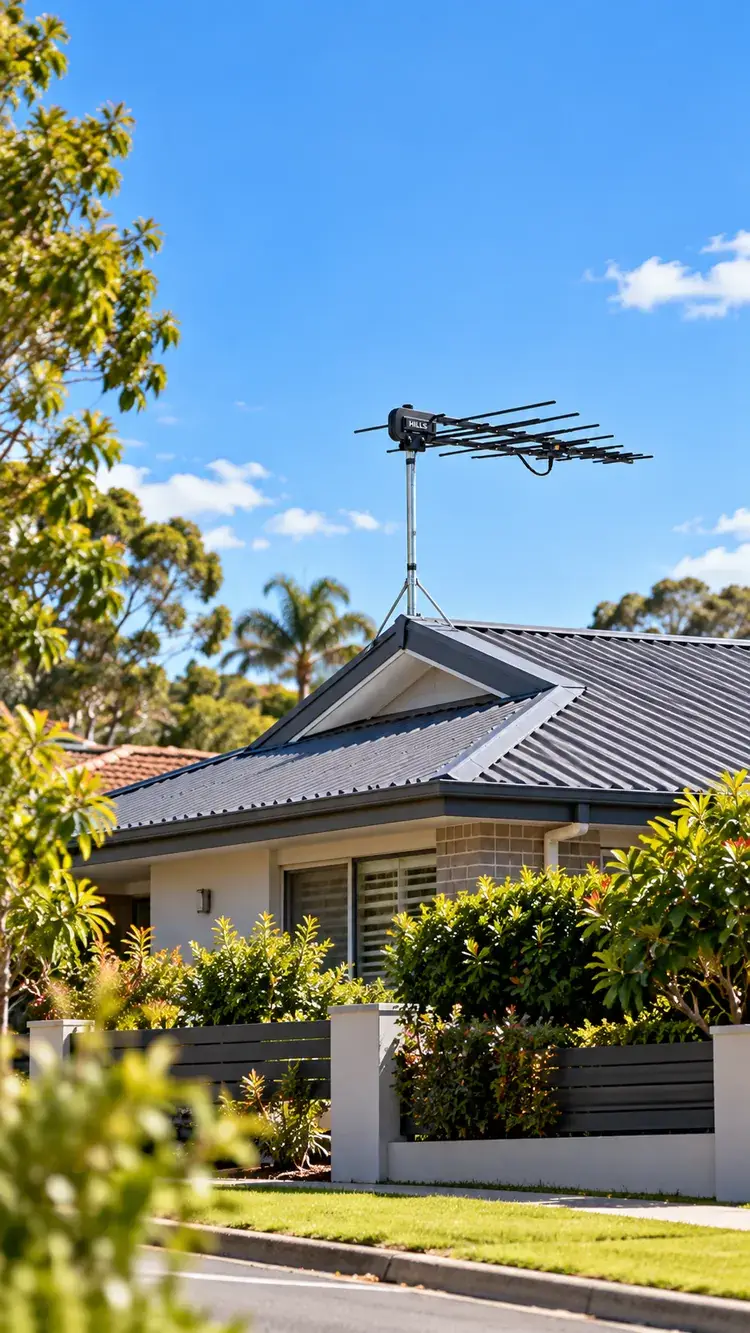
When one television functions properly while another does not, the problem may be attributed to a defective antenna socket, damaged cable, incorrect settings, or issues with signal distribution. This guide outlines how to diagnose the underlying cause prior to incurring repair expenses.
Before spending money, there’s a better question to ask:
Where is the signal actually being lost?
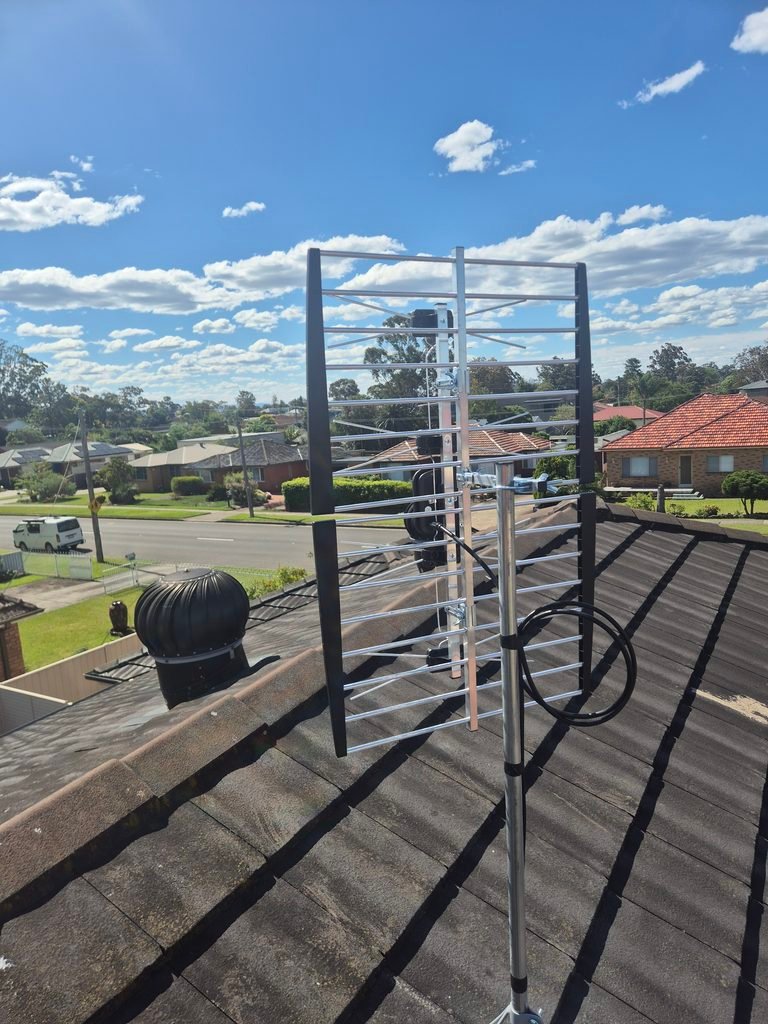
A television antenna system is a little like a water supply. The rooftop antenna receives the broadcast, the cable carries it through the home, and splitters distribute it to individual outlets. A problem anywhere along that path can affect one television, several televisions, or the entire house.
That means a TV signal problem doesn’t automatically mean you need a new antenna.
This guide from Prime Antennas Sydney will help you recognise the clues, understand the likely causes and decide what to check yourself before booking professional antenna repair.
First, Check What Your TV Is Actually Telling You
Not every black screen is an antenna problem.
If your TV displays “No Signal”, look at which input is selected.
- HDMI 1 or HDMI 2: The message might relate to a Foxtel box, streaming device, gaming console or another connected device.
- Live TV, DTV or Digital TV: The television may not be receiving a usable free-to-air broadcast signal.
- Netflix and YouTube work, but Channel 7 or ABC doesn’t: Your internet connection and free-to-air antenna reception are separate systems. One can work while the other fails.
Start by selecting the correct input. Then check that the antenna cable is firmly connected between the wall socket and the television’s antenna input.
You may have solved the problem before touching the antenna.
The 60-second TV reception fault finder
| What you’re experiencing | Where to investigate first |
|---|---|
| One television works; another doesn’t | TV settings, fly lead, wall socket or individual cable run |
| Every TV has lost reception | Antenna, main cable, shared distribution equipment or broadcast outage |
| Only some channels are missing | Broadcast frequencies, tuning, signal quality or an antenna fault |
| Reception deteriorated after adding another TV | Splitter losses, distribution design or insufficient signal margin |
| Picture breaks up when lights switch on | Possible electrical interference |
| Reception changed after heavy wind or rain | Antenna alignment, water ingress, cables or weather-related reception changes |
These are starting points, not final diagnoses. Two different faults can produce the same symptoms.
1. The Living Room TV Is Fine, but the Bedroom TV Has No Signal
This is one of the most useful clues a homeowner can give an antenna technician.
If the living room television receives a clear picture, at least one part of your antenna system is successfully delivering a usable signal.
The next question is what happens between the distribution point and the bedroom.
A typical multi-room setup might look like this:
Rooftop antenna → Main coaxial cable → Splitter → Individual room cables → TV wall sockets → Televisions
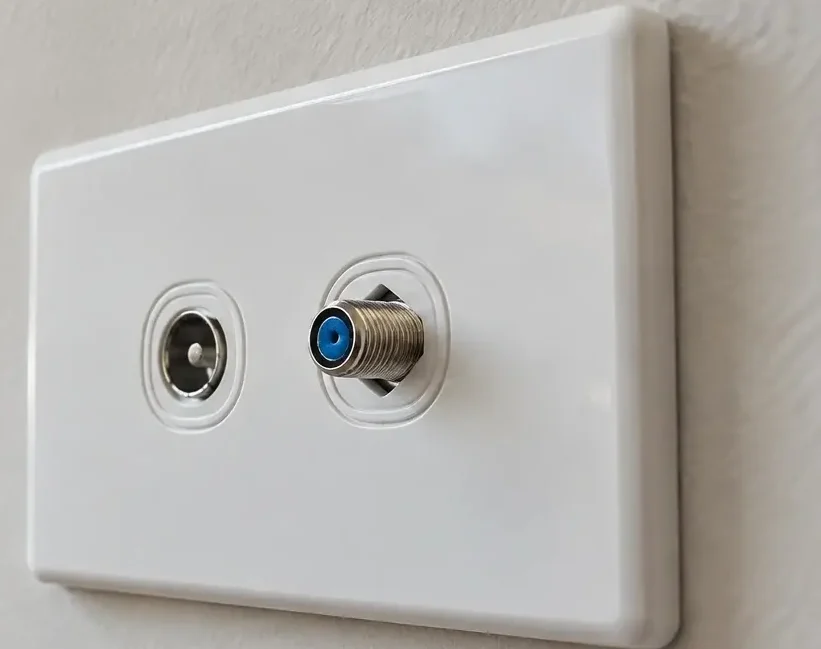
Possible causes include a damaged bedroom outlet, a loose coaxial connector, an ageing cable, an unsuitable splitter or a fault in that particular television.
A simple test
If practical, connect the affected television to the outlet where another television works.
If the problem follows the television, its settings, tuner or fly lead deserve closer inspection.
If it works at the good outlet but not in the bedroom, the bedroom connection becomes a stronger suspect.
You can also test a known-good fly lead without opening any wall plates.
What this tells you: A room-specific failure is a reason to investigate that room’s connection before spending money replacing the rooftop antenna.
2. You’re Missing TV Channels, but the Others Still Work
Perhaps Channel 9 works, but ABC has disappeared. Or SBS is available while another channel group keeps pixelating.
A missing channel isn’t always a completely missing antenna signal.
Different broadcasters use different frequencies. An antenna system can receive one frequency well while struggling with another.
That can happen when the antenna has deteriorated, the cabling has been damaged, the antenna is unsuitable for the local transmitter or interference affects particular frequencies.
But before blaming your equipment, check whether the broadcaster is experiencing a transmission outage or scheduled maintenance.
Should you retune the TV?
Sometimes. But not endlessly.
If the original broadcast is temporarily weak, repeatedly running an automatic scan may remove channels your television previously remembered.
A more useful process is:
- Check whether other televisions in the home have lost the same channels.
- Check the broadcaster’s reception or outage information.
- Enter your address into the official mySwitch reception tool to identify the relevant transmitter and frequencies.
- If the signal and transmitter information support it, use the correct manual-tuning procedure for your TV model.
- If channels repeatedly disappear, investigate reception quality instead of rescanning indefinitely.
Sydney-specific tip: Don’t assume every Sydney property should use the same antenna direction or receive every channel from the same transmitter. Your address matters, particularly where hills, buildings or local retransmission sites affect coverage.
For more technical guidance, see the Australian Communications and Media Authority’s TV reception troubleshooting information.
3. The TV Worked Until You Added Another Television
Imagine a home with one television in the lounge and one in the bedroom.
Both work. Then a third outlet is installed in the garage or outdoor entertaining area.
Suddenly, the bedroom starts breaking up.
It may seem strange, but adding another TV connection can expose a weakness that was already present.
Why does this happen?
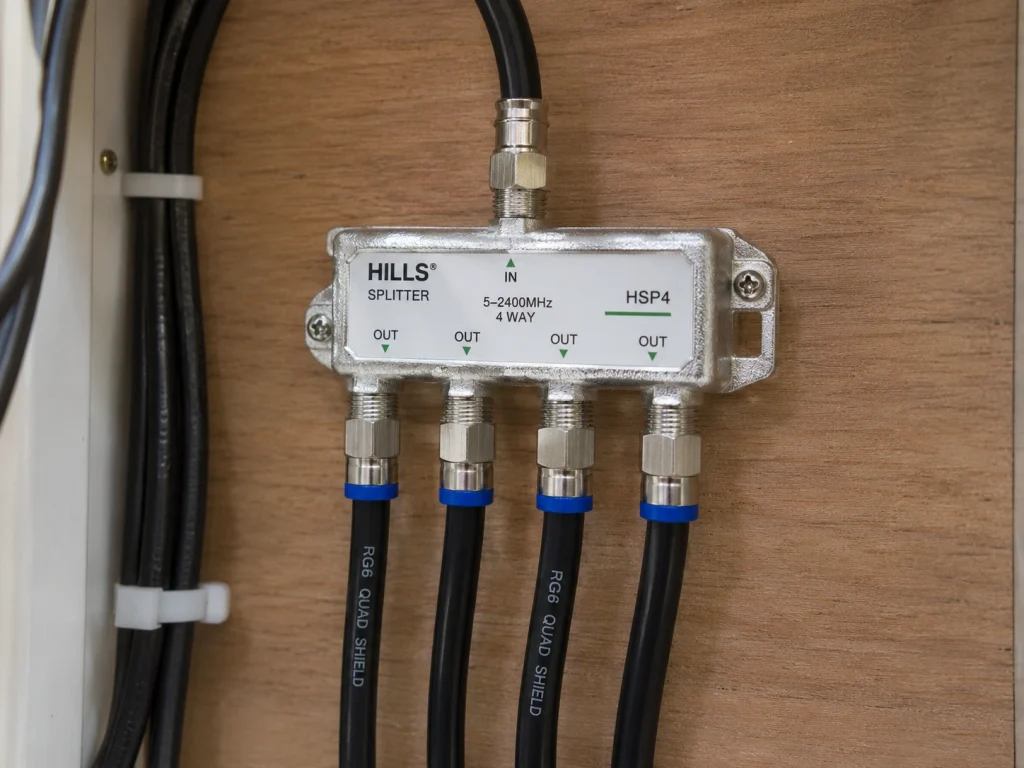
A splitter doesn’t create extra signal. It divides the available signal between outputs and introduces some loss.
If the original system had little spare signal margin, another outlet or an unsuitable splitter arrangement can push one or more connections below reliable reception levels.
Long cables, poor connectors and damaged wall plates can add further losses.
Before installing an additional antenna socket
An additional TV antenna socket, also called an additional TV point, should be planned as part of the complete distribution system.
A proper assessment considers the number of existing outlets, the cable lengths, the splitter arrangement and the signal quality available to each room.
Adding outlets is not simply about making another hole in the wall.
If you’re renovating, moving your TV or creating an outdoor entertaining area, read our Foxtel & TV Point Installation Sydney service page.
The goal is not just to make the new television work. It’s to keep the existing televisions working too.
4. Will an Antenna Booster Fix a Weak TV Signal?
An antenna booster sounds like the obvious answer to a weak picture.
More signal should mean better television reception, right?
Not necessarily.
Signal strength and signal quality are not the same thing.
Think about someone talking through a microphone. Turning up the volume makes the sound louder, but it doesn’t remove background noise or repair a damaged microphone.
A TV amplifier works on a similar principle. It can increase signal level, but it cannot recreate information that has already been lost.
When a booster may help
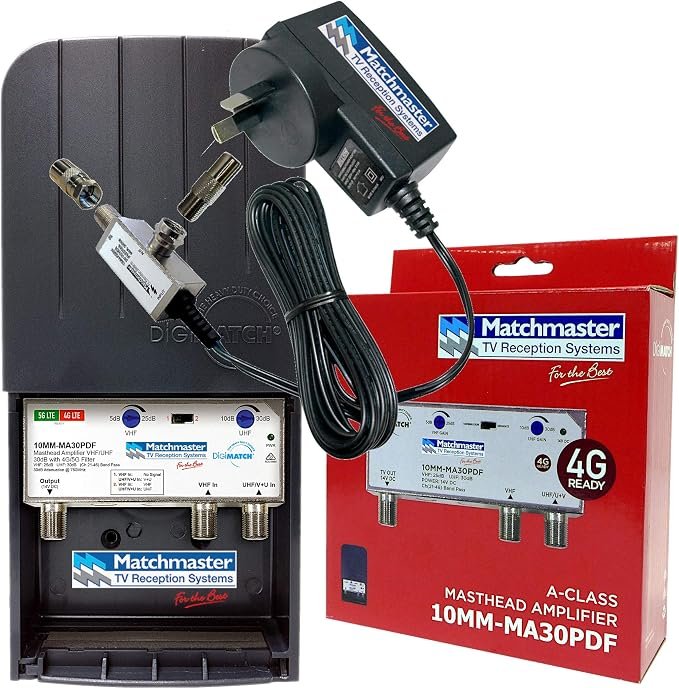
An appropriately selected amplifier may be useful where a good-quality received signal needs to be distributed over longer cables or to several outlets, or where a suitable weak-signal installation requires amplification.
When it may make things worse
An antenna booster can be the wrong solution if the original problem is interference, a bad connection, poor antenna alignment or an already excessive signal level.
Amplifiers may also overload television tuners.
If a previously working installation suddenly fails, an existing amplifier or its power supply may also need checking.
What about 4G and 5G interference?
Mobile communications signals can sometimes interfere with television reception equipment, particularly where amplifiers are involved.
Depending on the measured problem, a technician may recommend suitable filtering, amplifier changes or antenna repositioning.
Don’t buy a booster or filter solely because the picture is pixelating. The equipment should match the fault.
For further guidance, see the ACMA’s official advice on TV reception and amplifiers.
5. Why Does My TV Pixelate When It Rains, Gets Windy or Turns Dark?
Weather is often blamed for television reception problems.
But if your TV consistently loses reception during ordinary rain or mild wind, it’s worth investigating the condition of the installation.
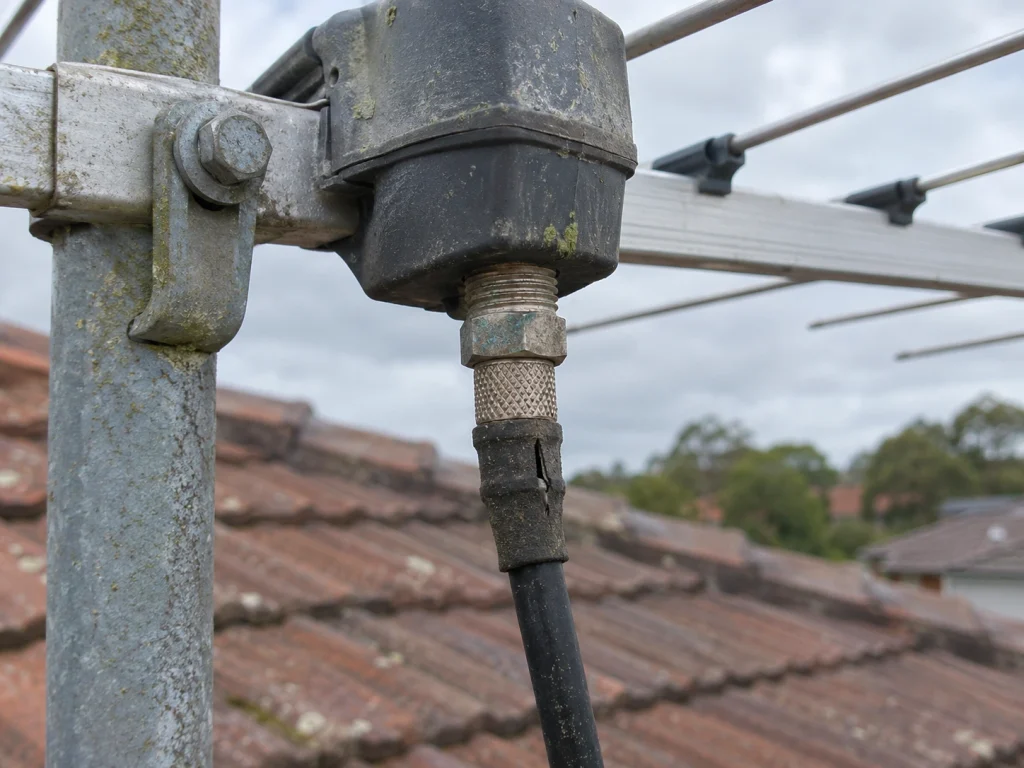
Wind may move an inadequately secured antenna or cable. Moisture can enter deteriorated outdoor connections. Temperature changes can also affect an already marginal system.
There is another possibility: the problem may not be weather damage at all.
Atmospheric conditions can sometimes allow distant broadcasts to interfere with local reception, a phenomenon known as atmospheric ducting.
What if the TV only breaks up at night?
Look for patterns rather than immediately replacing equipment.
Does the problem start when outdoor lighting turns on? Does it happen when a particular appliance operates? Do neighbours experience the same issue?
Faulty electrical equipment, some LED lighting, dimmers and other devices can introduce interference.
You can safely test accessible plug-in appliances by switching them off one at a time and observing whether reception changes. Do not dismantle electrical fittings or touch mains wiring.
If reception problems coincide with streetlights, power infrastructure or nearby equipment, the source may need professional investigation.
The important clue isn’t simply that reception fails. It’s when, where and under what conditions it fails.
6. When Is Antenna Repair Better Than Replacement?
Replacing the entire antenna might be necessary, but it shouldn’t be the automatic first recommendation.
Consider two different situations.
Situation A: The rooftop antenna is structurally sound, correctly selected and producing good signal quality, but one outlet has a damaged connector.
The sensible starting point is the faulty connection.
Situation B: The antenna has badly corroded elements, is mechanically damaged or is unsuitable for the frequencies needed at the property.
A replacement may be the more reliable long-term option.
The ACMA advises that outdoor TV antennas generally have a lifespan of around 10–15 years, although condition and exposure vary.
Age alone doesn’t prove that an antenna has failed. Equally, an antenna can look reasonably intact while performing poorly.
Professional antenna installation and repair in Sydney should involve examining the complete signal path before deciding which components genuinely need replacing.
7. What Should a Technician Actually Measure?
This is where professional diagnosis becomes more useful than guesswork.
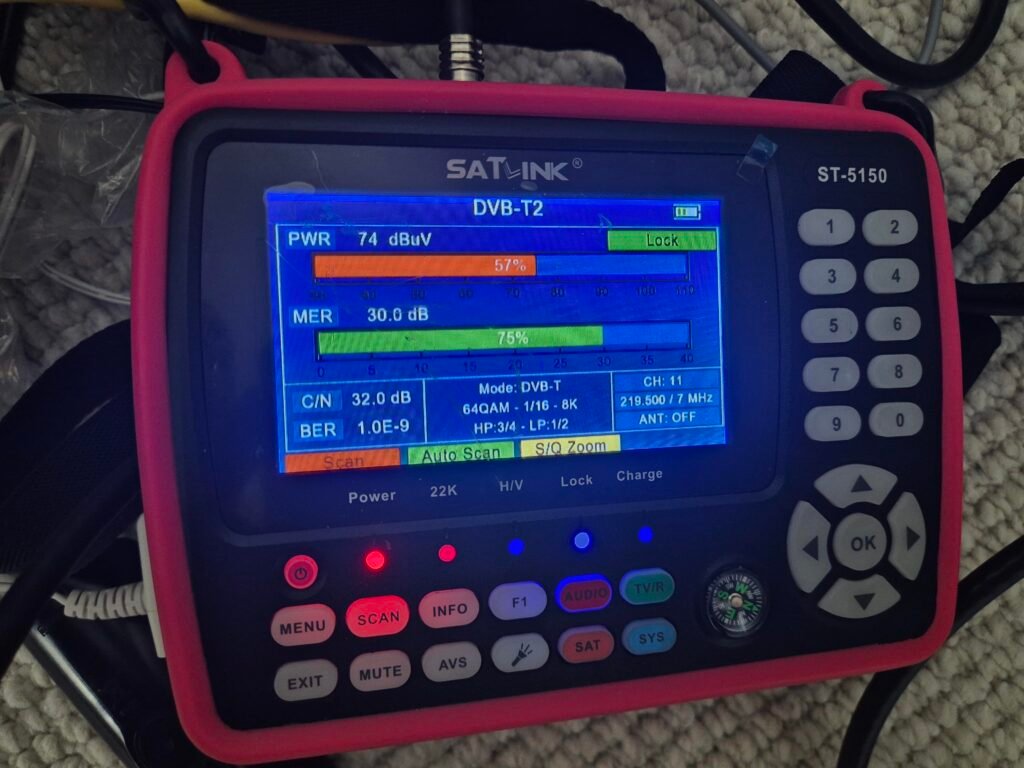
A television’s built-in signal meter can provide clues, but its percentage display is not necessarily a calibrated measurement.
A professional digital TV signal meter can assess the signal at different points in the system.
Important measurements include:
| Measurement | What it helps explain |
|---|---|
| Signal level (dBµV) | Whether the signal arriving at a connection is too weak or excessively strong |
| MER (Modulation Error Ratio) | How clean the digital signal is |
| BER (Bit Error Rate) | How many errors are occurring in the received digital information |
For technical context, the ACMA’s installer guidance says signal levels at TV wall plates should be around 54 dBµV, with levels below 45 dBµV or above 80 dBµV unsuitable for reception. It also identifies a preferred MER of at least 25 dB for good-quality reception.
These are assessment guidelines, not a promise that a single number guarantees perfect reception.
Why test more than one socket?
Suppose the lounge outlet has healthy signal quality but the bedroom outlet has substantially worse results.
That difference can help narrow the investigation to the cable path, distribution equipment or connections serving that room.
If poor results are already present near the antenna, the investigation moves further upstream.
This is why a proper signal test can save homeowners money: it reduces the chance of replacing perfectly serviceable equipment.
8. What If You Live in an Apartment or Strata Building?
A detached house and an apartment block may have very different television distribution systems.
In an apartment, several units may share a rooftop antenna and central distribution equipment.
If multiple residents lose the same channels at the same time, the fault may involve equipment shared by the building.
Before arranging modifications to common equipment, check with your strata manager or building manager.
If only your apartment is affected, the investigation may focus on the individual connection, outlet or television.
This distinction can prevent unnecessary work and help identify who needs to organise the repair.
9. Five Things to Tell an Antenna Technician Before Booking
You don’t need to know the technical cause of the problem.
But a few observations can make the conversation much more productive.
1. Which suburb are you in? Reception conditions and available transmitters vary by location.
2. Is one TV affected or every TV? This helps separate local outlet problems from system-wide faults.
3. Are all channels missing or only certain channels? Mention the channel names or numbers.
4. When did it start? After a storm, renovation, TV relocation, new outlet installation or seemingly without warning?
5. What have you already checked? For example, whether you tried another fly lead, input or television.
A short phone video of intermittent pixelation may also help explain the symptom. If your antenna looks damaged, take a photograph from a safe position on the ground.
Never climb onto the roof to inspect or realign an antenna yourself.
10. When Should You Call for Professional Antenna Repair in Sydney?
If you’ve checked the TV input, inspected accessible leads and confirmed that the problem persists, it may be time for a proper reception assessment.
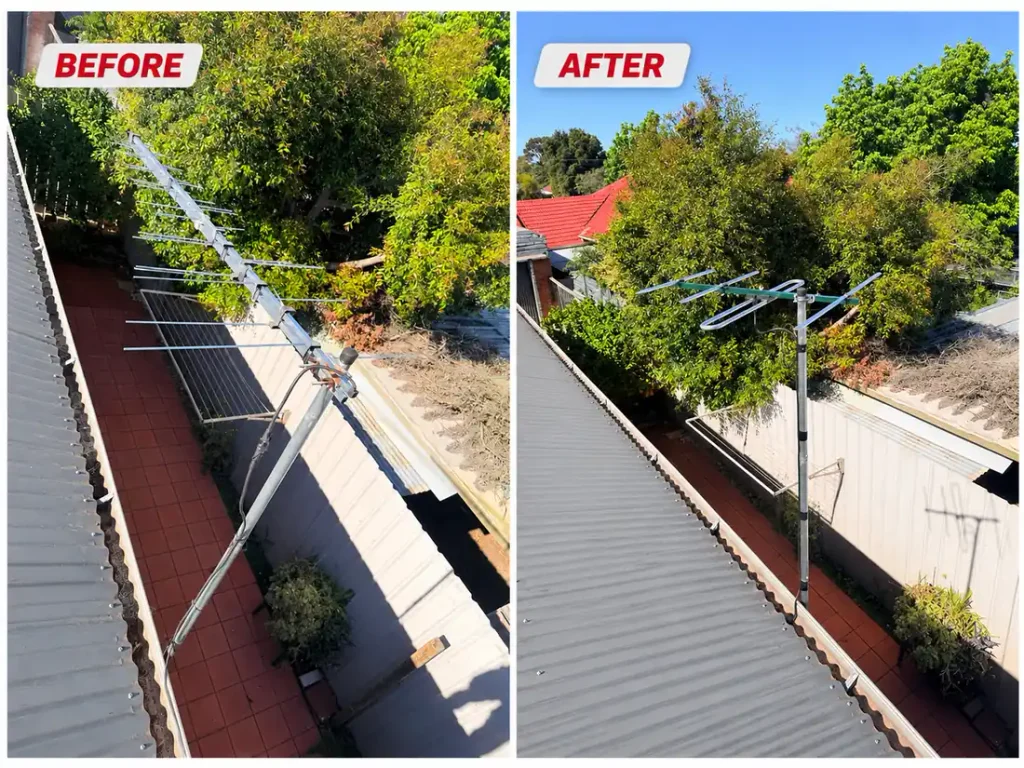
The same applies when an antenna is visibly damaged, a problem follows a storm, multiple outlets are unreliable or new distribution equipment is being considered.
At Prime Antennas Sydney, we provide antenna repairs, new installations, reception troubleshooting and additional TV points across Greater Sydney.
Our approach is to investigate the cause before recommending equipment. Depending on the results, the solution may involve a connection repair, cable work, antenna adjustment, amplification changes or a replacement installation.
If you’ve been searching for “antenna installation near me” because your reception has failed, start by describing the symptoms. You may need a repair rather than a completely new installation.
Contact Prime Antennas Sydney
Phone: 0452 582 652
Request an antenna repair or installation quote
Check our Sydney service areas
Frequently Asked Questions
Can I fix antenna signal problems myself?
You can safely check the TV input, reconnect accessible coaxial leads, try a known-good cable and check for broadcaster outages. Faults involving rooftop antennas, inaccessible wiring or distribution equipment are better assessed by a trained technician.
Why does my Smart TV stream Netflix perfectly but have no free-to-air channels?
Netflix uses your internet connection, whereas normal free-to-air digital television uses a broadcast antenna system. A working internet connection doesn’t confirm that your antenna or TV socket is functioning.
Do I need a new antenna if channels are missing?
Not always. Missing TV channels can result from incorrect tuning, reception quality problems, interference, cable faults or broadcaster outages. The cause should be identified before deciding on replacement.